

Running payroll in a restaurant is never “just cutting checks.” You’re dealing with fluctuating hours, pooled tips, credit card tip-outs, multiple pay rates, and strict wage and tip-credit rules. Most generic payroll systems aren’t built for that complexity, which leaves operators stuck in spreadsheets, fighting errors, and worrying about compliance.
That’s why choosing the best restaurant payroll software is a strategic decision—not a back-office chore. The right restaurant payroll system will:
- Sync directly with your POS, scheduling, and time clocks
- Automate tip pooling, tip-outs, and tip credit calculations
- Handle tax filing and labor law compliance for you
- Give you clear visibility into labor cost and profitability
In this guide, we break down the top restaurant payroll software options on the market: Toast, Square, Gusto, Restaurant365, ADP, Paychex, 7shifts, Homebase, Push, Paycor, QuickBooks, and more, so you can match the right tool to your operation, whether you’re running a single café or a multi-unit group.
1. Toast Payroll & Team Management
Toast Payroll & Team Management is an all-in-one payroll solution built specifically for the restaurant industry, making it a strong option for operators already using Toast POS. Its biggest advantage is the native integration with the Toast point-of-sale system.
This connection automatically syncs hours worked, tips, and key payroll data from the POS into payroll, reducing manual entry, minimizing errors, and saving valuable administrative time.
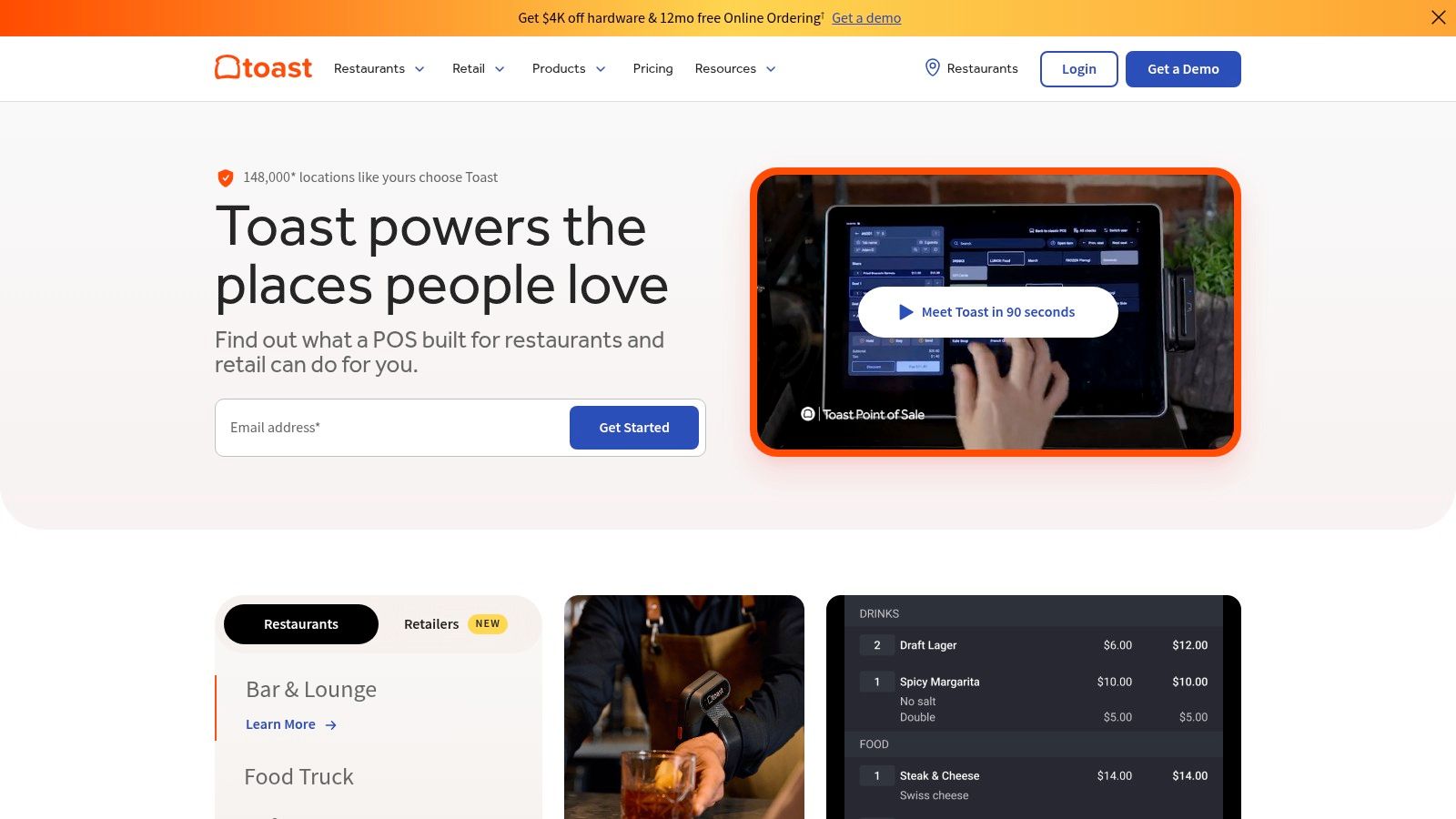
The platform stands out as one of the best restaurant payroll software options thanks to its restaurant-specific features. It is especially strong at managing tip pooling, tip-outs, and tipped wage calculations, helping operators handle some of the most complex aspects of restaurant payroll.
Toast Payroll automates tax filings and new-hire reporting, and offers access to benefits and 401(k) add-ons, allowing operators to centralize most team management tasks within a single system.
Key Features & Considerations
- Best For: Restaurants already using or planning to adopt the Toast POS ecosystem.
- Pros: Deep native POS integration; automated tip management; workflows built specifically for restaurants.
- Cons: Not a standalone product; requires a Toast POS subscription; pricing can become complex due to per-employee fees and optional add-ons.
- Pricing: Custom quote required, typically structured as a base fee plus a per-employee, per-month cost.
Because it is built into the broader Toast ecosystem, the user experience remains consistent across sales, scheduling, and payroll. However, its greatest strength is also its main limitation: Toast Payroll is only available to Toast POS customers.
Website: pos.toasttab.com
2. Square Payroll (with Square for Restaurants)
Square Payroll offers a streamlined, full-service payroll solution that integrates directly with the broader Square for Restaurants ecosystem. Its major appeal lies in simplicity and transparent pricing, making it an excellent choice for small to medium-sized restaurants, cafes, and food trucks already using Square for payments and team management. The system syncs automatically with Square for Restaurants POS and Square Shifts, pulling in employee hours and tips to significantly reduce manual data entry and payroll errors.
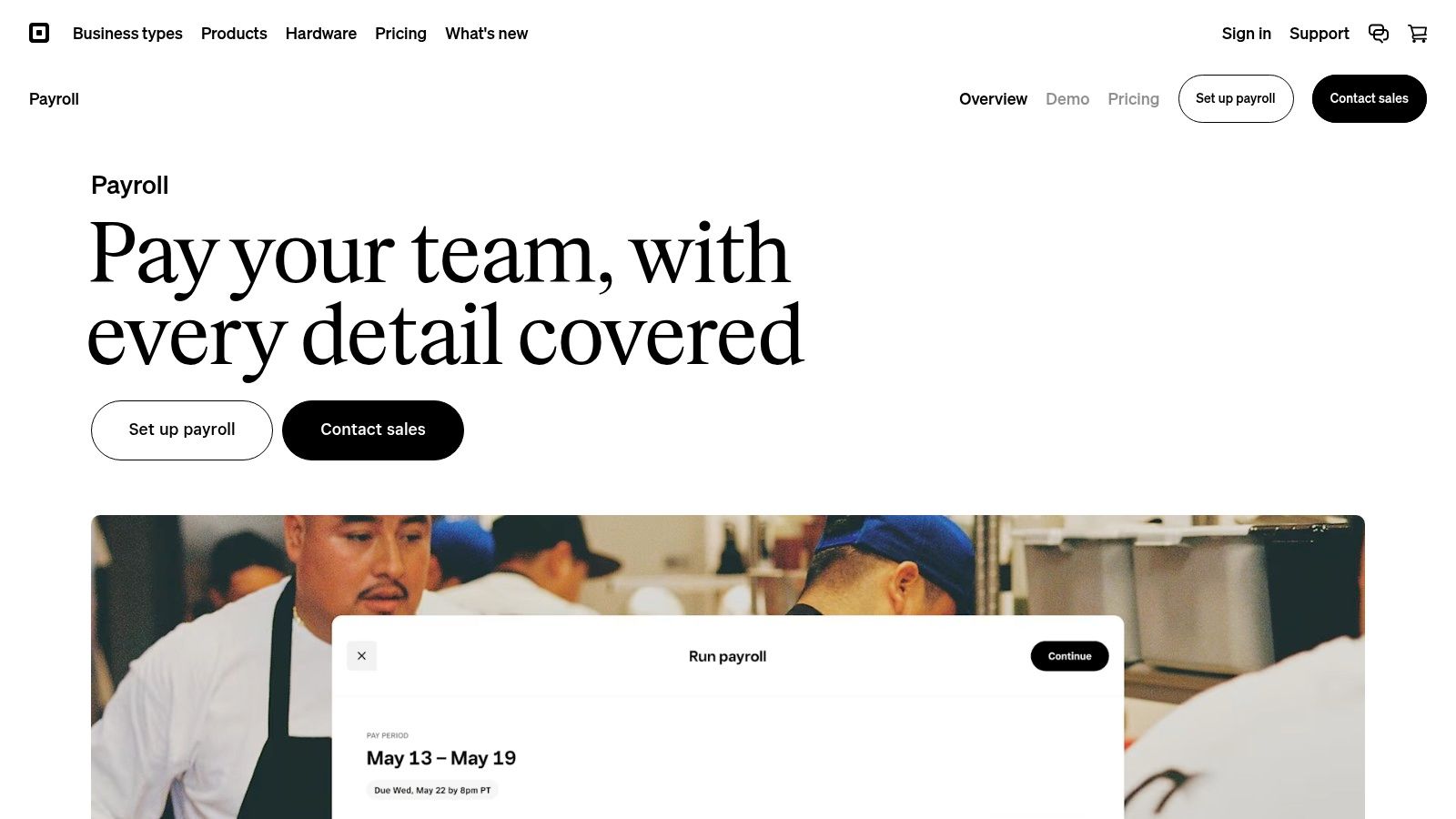
As one of the best restaurant payroll software options for operators prioritizing ease of use, Square handles all state and federal tax filings and payments automatically. It supports unlimited pay runs, which provides crucial flexibility for restaurants that need to issue off-cycle checks or bonuses. The platform also offers multiple pay methods, including direct deposit, manual checks, and the option for employees to receive wages via Cash App.
Key Features & Considerations
- Best For: Small to mid-sized restaurants and quick-service spots that are embedded in the Square ecosystem.
- Pros: Transparent and affordable pricing; simple setup and user-friendly interface; strong integration with Square POS and Shifts.
- Cons: Less advanced HR and benefits administration features compared to dedicated HCM platforms; most valuable when used with other Square products.
- Pricing: Starts with a monthly subscription fee plus a per-person, per-month cost. Contractor-only plans are also available with no monthly base fee.
The tight integration makes for a cohesive user experience, consolidating sales, team scheduling, and payroll into a single, familiar dashboard. While it may lack the enterprise-level HR features of more complex systems, its straightforward approach to payroll is a significant advantage for operators who need a reliable, set-it-and-forget-it solution.
Website: squareup.com/payroll
3. Gusto (Restaurant Solution)
Gusto is a widely popular payroll and HR platform for small to mid-sized businesses that works well for restaurants. While it’s not a restaurant-exclusive system like Toast, its strength lies in combining an extremely user-friendly payroll engine with robust HR tools and built-in support for key compliance areas, including FLSA rules and tip credits. This makes it a strong option for independent restaurants or small groups looking for an easy-to-use system that goes beyond basic payroll processing.
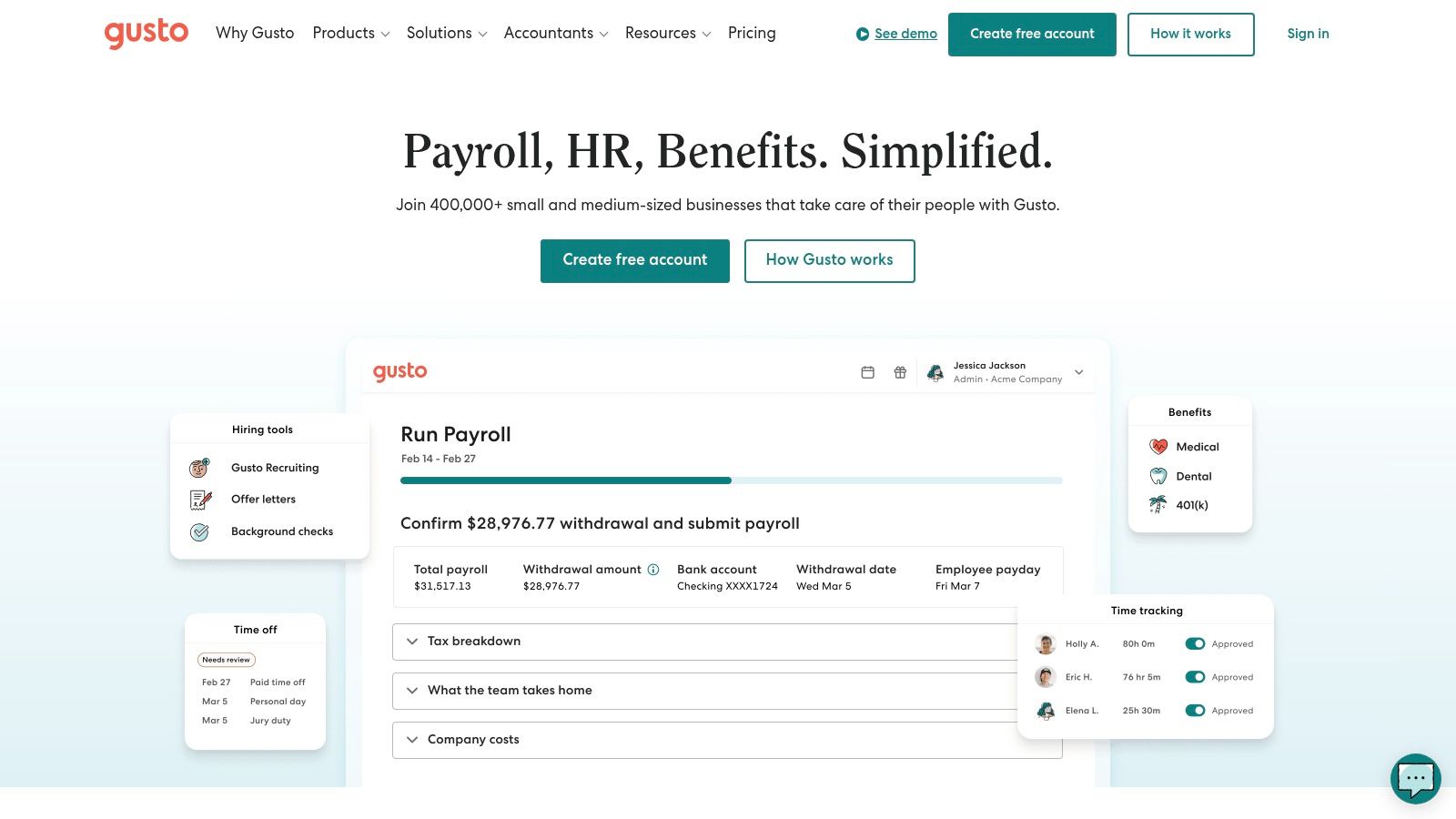
The platform has earned its place as one of the best restaurant payroll software options for independent operators by excelling at both core payroll and broader team management. Gusto handles automatic tax filings, tip reporting, multiple pay rates, and PTO tracking with ease. It stands out by integrating with popular restaurant scheduling tools like 7shifts and When I Work, creating a connected, though not fully unified, ecosystem.
With its employee self-service portal, benefits administration, and 401(k) options, Gusto helps restaurants offer a more professional, modern employee experience. This focus on the full employee lifecycle is especially valuable when learning how to manage restaurant staff effectively.
Key Features & Considerations
- Best For: Independent restaurants and small groups that need a user-friendly payroll and HR platform with strong third-party integrations.
- Pros: Very easy to use with transparent pricing tiers; broad ecosystem of integrations; strong compliance support for tipped employees and FLSA requirements.
- Cons: Not an all-in-one restaurant platform; lacks native POS integration like Toast; premium support is limited to higher-tier plans.
- Pricing: Starts with a monthly base fee plus a per-employee cost; higher tiers unlock additional HR and support features.
Because Gusto serves many industries, its interface is generalized but clean and intuitive. Restaurants benefit from its flexibility, allowing them to connect payroll with the scheduling and POS tools they already use instead of being locked into a single ecosystem.
Website: gusto.com
4. QuickBooks Payroll
QuickBooks Payroll is a strong option for restaurant owners already using QuickBooks Online for accounting. Its biggest advantage is the native integration between payroll and bookkeeping, which keeps financial data automatically synced and eliminates manual reconciliation. Labor costs, payroll liabilities, and P&L reports are updated with every payroll run, saving significant admin time.
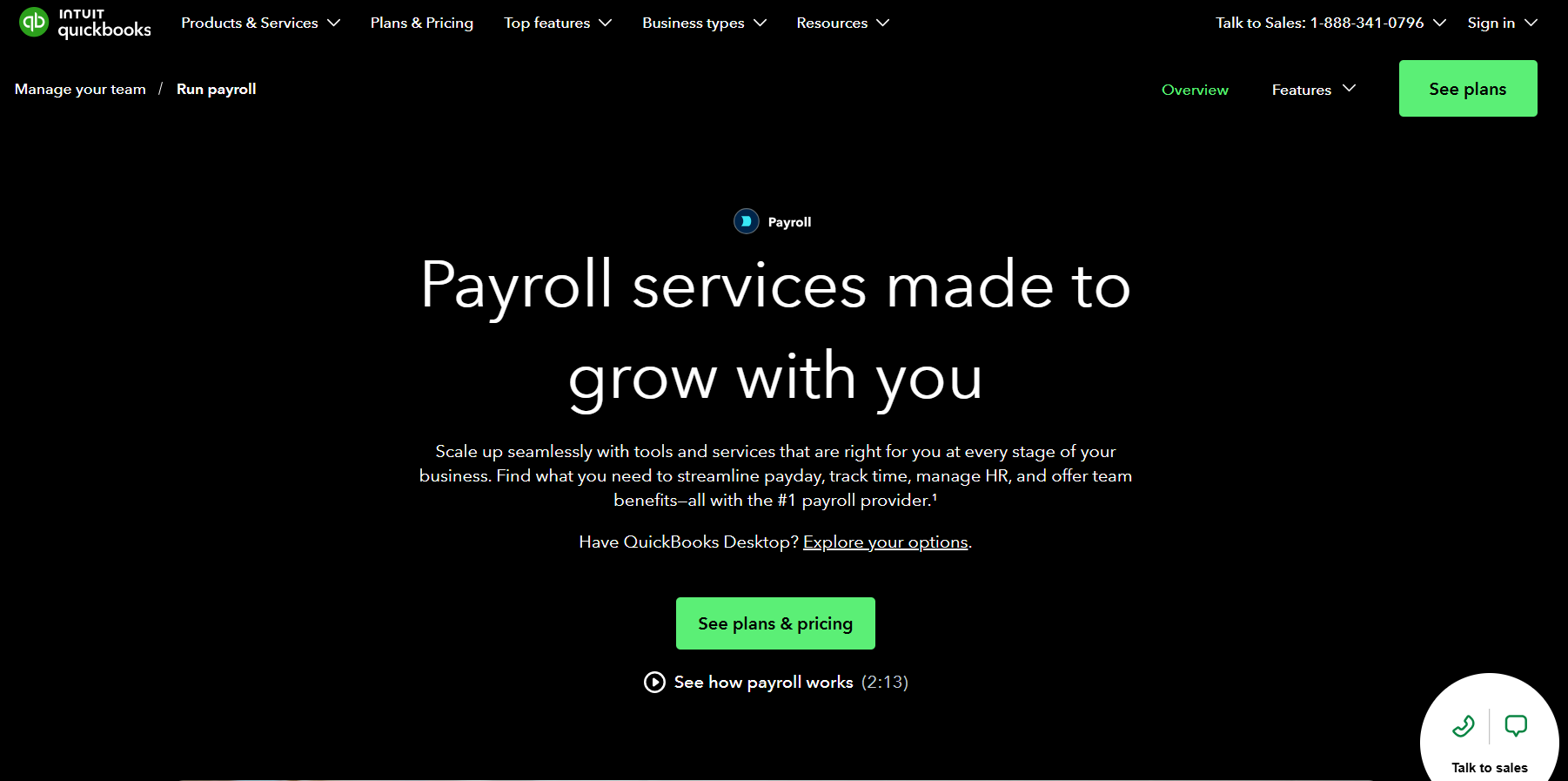
While it isn’t built exclusively for restaurants, it handles core payroll needs reliably. The platform automates federal and state tax filings, offers flexible direct deposit speeds (including next-day and same-day on higher-tier plans), and provides an employee self-service portal for pay stubs and tax forms. For operators who prioritize accounting accuracy and already rely on QuickBooks, this payroll add-on is a practical and efficient choice.
Key Features & Considerations
- Best For: Restaurants and hospitality businesses that already use QuickBooks Online for accounting.
- Pros: Best-in-class accounting integration with QuickBooks Online; straightforward upgrade path for existing QuickBooks users; promotional discounts are often available.
- Cons: Lacks specialized restaurant features like advanced tip-out automation; advanced workforce tools require higher-priced tiers; best value is primarily for existing QBO users.
- Pricing: Starts at a monthly base fee plus a per-employee, per-month cost, with multiple tiers available.
The user experience is clean and familiar to anyone who has used Intuit products. However, operators needing complex, FOH-specific tip distribution rules or deep POS integrations for tip data might find it less robust than restaurant-specific competitors.
Website: quickbooks.intuit.com/payroll
5. RUN Powered by ADP (and Roll by ADP)
RUN Powered by ADP is a powerhouse payroll solution from a global leader in human capital management, tailored for small to medium-sized businesses. Its primary advantage for restaurants is its robust compliance engine, which is well-suited for operators managing multi-state locations or complex wage garnishments. The platform offers a full-service payroll experience, handling tax filings and payments automatically and providing a significant safety net for busy restaurant owners who need to ensure accuracy and avoid penalties.
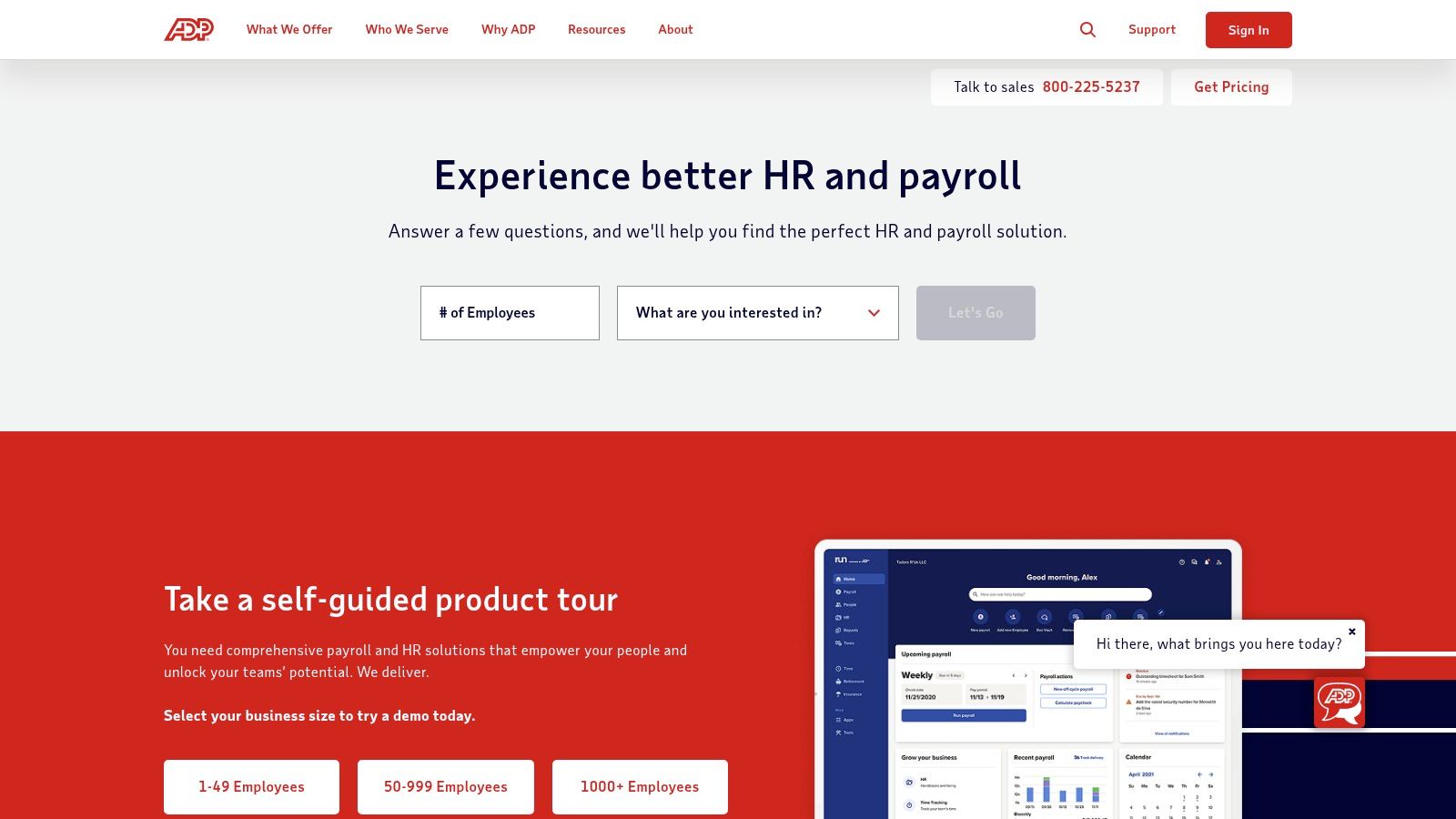
This platform stands out as one of the best restaurant payroll software choices due to its scalability and broad ecosystem. Beyond payroll, ADP offers add-ons for benefits administration, workers’ compensation, and retirement plans, allowing a business to grow within a single ecosystem. For smaller, single-location restaurants, the companion app, Roll by ADP, offers a simplified, chat-based payroll process at a lower cost, providing flexibility depending on the operation’s size and needs.
Key Features & Considerations
- Best For: Multi-state restaurant groups and operators prioritizing compliance and HR integrations.
- Pros: Deep compliance capabilities and broad add-on ecosystem; strong reputation and support resources; Roll by ADP available as a lower-cost app option.
- Cons: Pricing transparency is limited and often quote-based; add-ons can substantially increase total cost.
- Pricing: Requires a custom quote for RUN; Roll by ADP has more transparent, tiered pricing available on its site.
While RUN doesn’t have the native, restaurant-specific POS integration of a system like Toast, its strength lies in its proven, reliable payroll processing and extensive HR support. This makes it an excellent choice for established restaurant groups that need a dependable, compliant system that can handle more than just the basics.
Website: https://www.adp.com
6. Paychex Flex (Restaurant & Hospitality)
Paychex Flex is a comprehensive payroll and HR platform with solutions tailored for restaurants and hospitality operators. It’s a strong option for businesses looking for a full hire-to-retire system from an established provider, without being locked into a specific POS ecosystem. The platform integrates with multiple time and attendance tools and also offers optional POS and insurance services for those wanting a more unified setup.
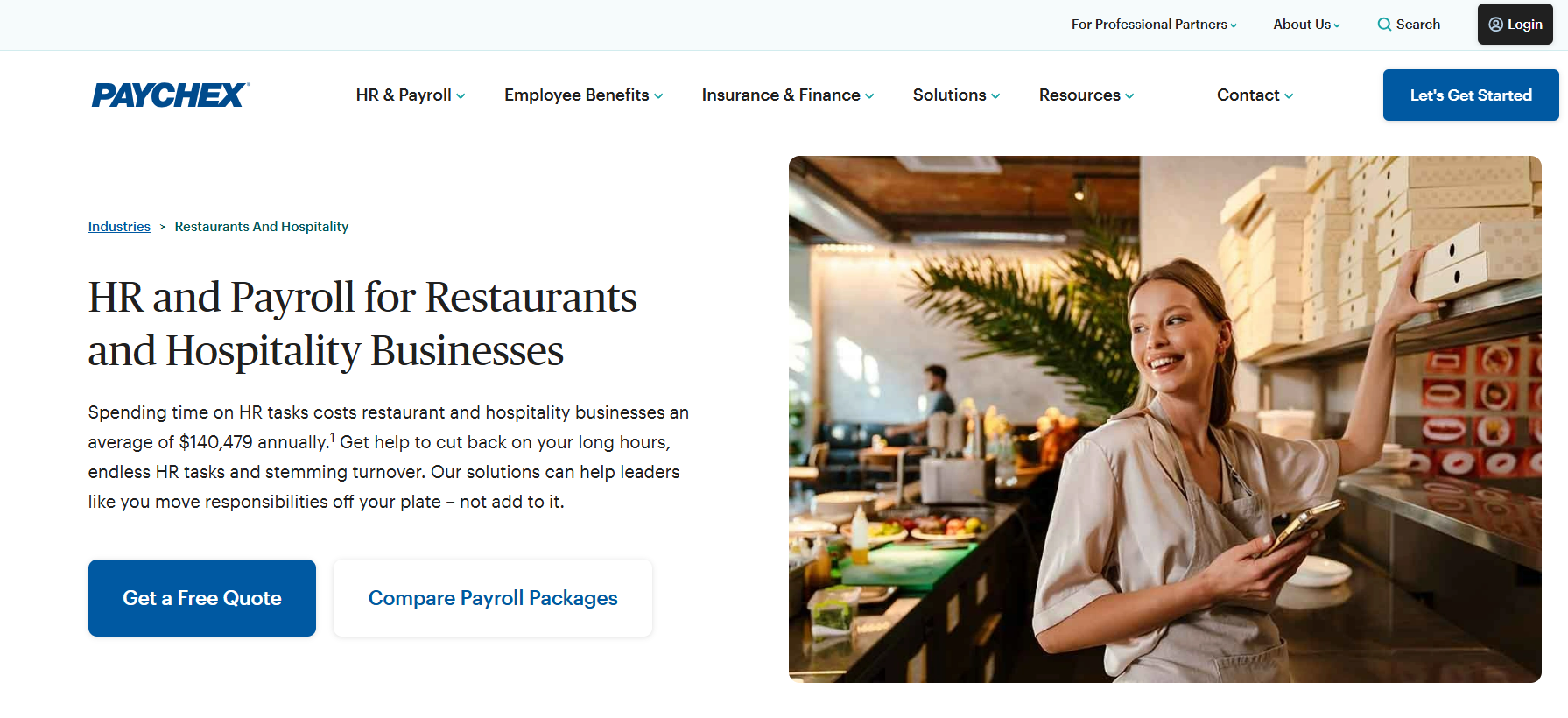
Paychex stands out as one of the best restaurant payroll software options thanks to its compliance expertise and hands-on support. It provides guidance on complex areas like FICA tip credits, offers earned wage access to support retention, and centralizes payroll, tax filing, HR, and benefits. Its greatest strength is its service model, giving operators reliable support to navigate payroll and compliance with confidence.
Key Features & Considerations
- Best For: Single or multi-unit operators wanting an all-in-one HR and payroll provider with strong customer support.
- Pros: Comprehensive services from hiring to retirement, strong onboarding and service support, and optional pay and benefit add-ons tailored for hospitality.
- Cons: Many essential hospitality features are paid add-ons rather than included in base plans; transparent pricing is not readily available and requires a custom quote.
- Pricing: Custom quote required; plans are typically structured with a base fee plus a per-employee, per-month cost.
While the base payroll functionality is powerful, businesses must be aware that many of the most attractive features for restaurants, like advanced HR support or benefits administration, come at an additional cost. This makes it crucial to get a detailed quote that outlines the full scope of services needed.
Website: www.paychex.com
7. Restaurant365 Payroll (R365)
Restaurant365 (R365) offers a comprehensive back-office suite that positions it less as a simple payroll tool and more as a complete restaurant management platform. It combines accounting, inventory, scheduling, and payroll/HR into a single, deeply integrated system. This ERP-style approach is ideal for multi-unit operators who need to centralize operations and eliminate the manual work of reconciling data between disparate systems. The platform pulls labor, scheduling, and time data into one place for streamlined payroll processing.
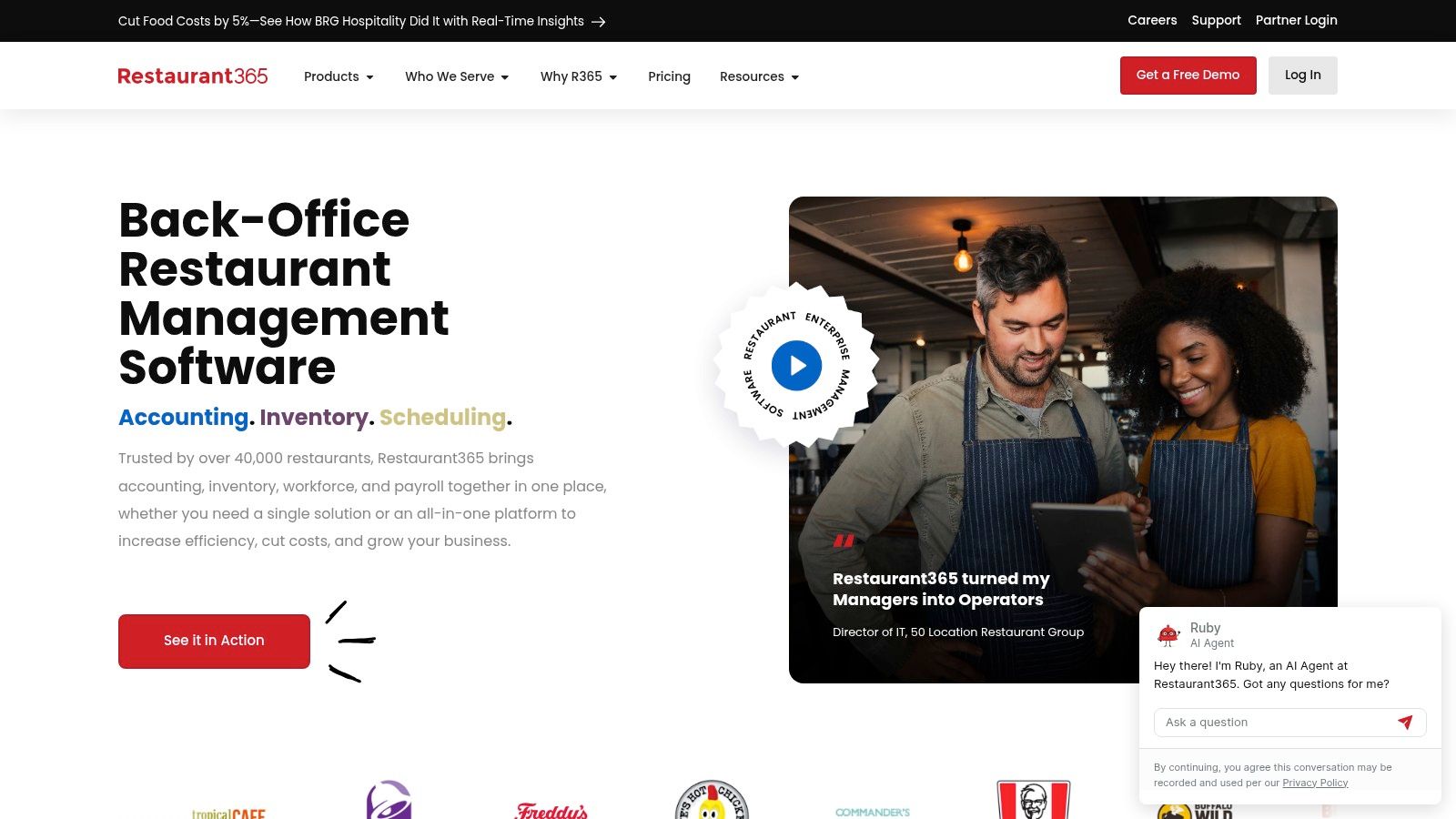
As one of the best restaurant payroll software solutions for growing brands, R365 shines in its ability to connect payroll directly to financial reporting. Its deep integrations with POS systems, banks, and vendors provide a holistic view of your business’s financial health. Features like tip pooling support, compliance alerts, and automated tax filing are standard. The real value, however, comes from linking payroll data to overall profitability metrics, helping operators make smarter decisions about everything from staffing levels to menu pricing. For those looking to gain a deeper financial insight, understanding key metrics is crucial; you can learn more about calculating your labor cost percentage to see how an integrated system can provide these numbers automatically.
Key Features & Considerations
- Best For: Multi-unit and multi-location restaurant groups seeking an all-in-one back-office solution.
- Pros: All-in-one platform reduces manual data reconciliation; powerful analytics and restaurant-specific workflows; designed to scale with growing enterprises.
- Cons: Pricing can be higher than standalone payroll services; payroll/HR may be add-on modules to the core accounting package, increasing the total cost.
- Pricing: Custom quote required; pricing is tailored to your business size, needs, and selected modules.
While the comprehensive nature of R365 is its greatest asset, it can also be a hurdle for smaller, single-location restaurants that may not need a full-scale ERP system.
Website: www.restaurant365.com
8. 7shifts Payroll
For restaurants already using 7shifts for scheduling and time tracking, 7shifts Payroll offers a compelling and integrated solution. Its main advantage is the seamless workflow that connects scheduling, time clock data, and tips directly to payroll processing. This native integration removes the need for manual data transfers, ensuring that hours and tip data are pulled accurately, which drastically reduces administrative overhead and potential for error.

As one of the best restaurant payroll software choices for existing 7shifts customers, the platform is built with restaurant-specific operations in mind. It handles automated tax filings, tip management, and even offers optional instant tip payouts through its partnership with Clair. The ability to run unlimited payroll cycles is a significant benefit, allowing for easy off-cycle payments, corrections, or bonuses without incurring extra charges. This focus on a unified system makes it a strong contender in the realm of restaurant workforce management.
Key Features & Considerations
- Best For: Restaurants currently using or planning to use the 7shifts platform for scheduling and team management.
- Pros: Seamless integration with 7shifts scheduling and time clock; unlimited payroll runs; clear, restaurant-focused workflows from schedule to pay.
- Cons: Not a standalone product, requires a paid 7shifts subscription; some additional per-event fees for services like mailed tax documents may apply.
- Pricing: Custom quote required; typically involves a base fee and a per-employee, per-month cost added to your existing 7shifts plan.
Because it operates within the familiar 7shifts interface, the user experience is consistent and intuitive for managers already accustomed to the ecosystem. However, its value is almost entirely dependent on your commitment to the 7shifts platform for other operational needs.
Website: www.7shifts.com
9. Homebase Payroll
Homebase Payroll is designed as an accessible, integrated payroll solution for small businesses, particularly single-location or small multi-unit restaurants that already use its popular scheduling and time-tracking tools. Its core advantage is the seamless connection between scheduling, time clocks, and payroll, which simplifies operations for managers. This tight integration ensures that hours worked are automatically synced, reducing the manual effort and potential for errors often associated with payroll processing.
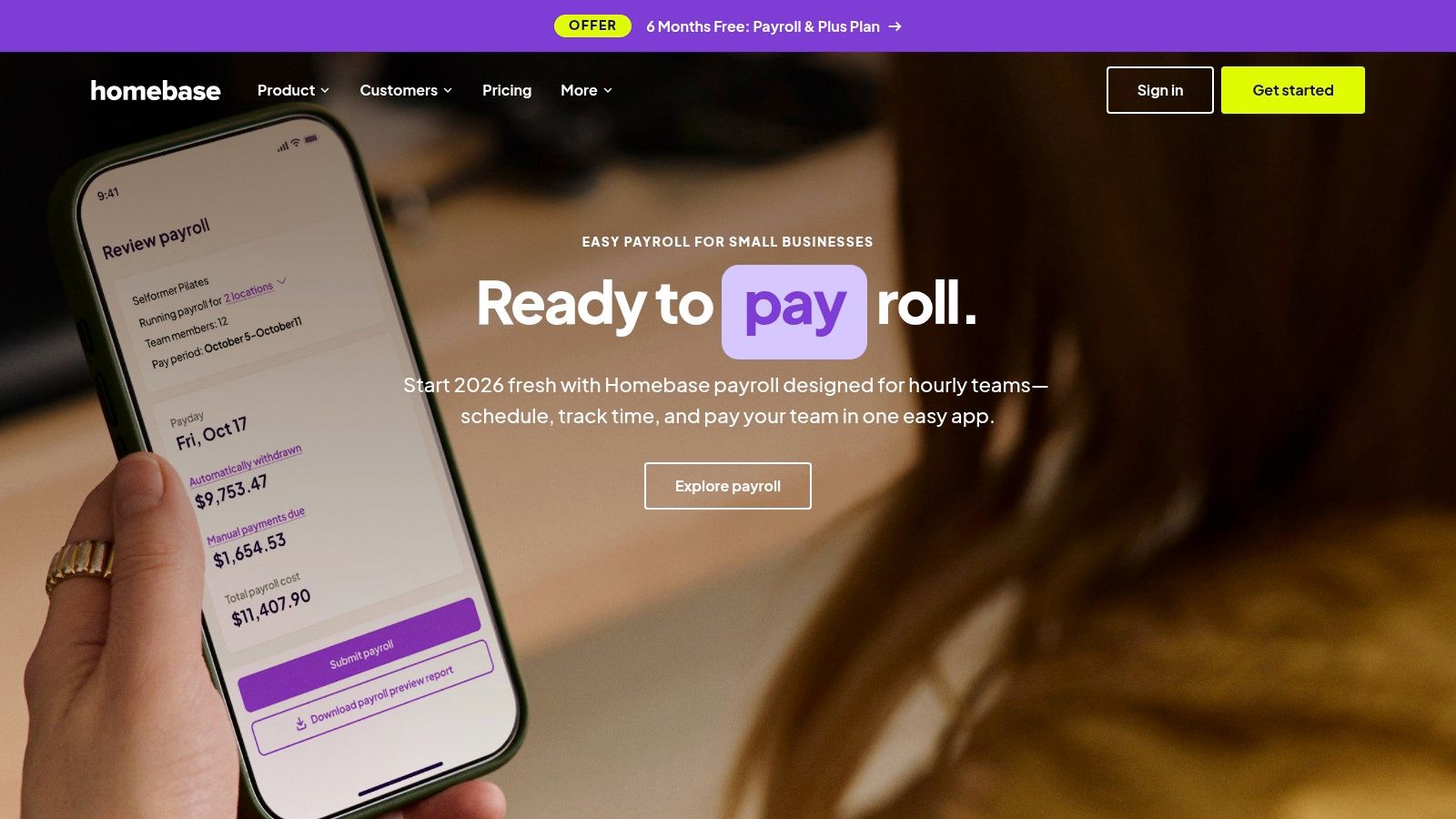
As one of the best restaurant payroll software options for smaller teams, Homebase stands out due to its low barrier to entry and straightforward pricing. The platform automates tax filings and payments, generates W-2s and 1099s, and offers employee self-service for pay stubs and onboarding. While its free tier for scheduling is a major draw for small restaurants, the payroll feature is a paid add-on that completes the ecosystem. This all-in-one approach is especially beneficial for operators looking to consolidate their core HR functions without committing to a more complex, enterprise-level system.
Key Features & Considerations
- Best For: Small, single-location restaurants or those already using Homebase for scheduling and time tracking.
- Pros: Very affordable entry point; excellent integration with its own scheduling tools; simple user interface ideal for less tech-savvy operators.
- Cons: Less scalable for larger or growing restaurant groups; limited advanced HR and benefits administration features.
- Pricing: Starts around $39 per month plus approximately $6 per active employee per month.
The platform excels at making payroll less of a chore by automating many of the tedious steps involved, a key benefit when comparing manual vs. automated scheduling and payroll systems. However, restaurants with complex HR needs or those anticipating rapid growth may find its feature set limiting over time.
Website: joinhomebase.com
10. Push Operations (Payroll + Workforce for Restaurants)
Push Operations provides a comprehensive workforce management suite built specifically for the demands of the restaurant industry. It combines payroll, scheduling, time tracking, and HR into one cohesive platform, aiming to be a single source of truth for all labor-related tasks. Its strength lies in its scalability, making it a powerful option for growing restaurant groups that need to manage multiple locations or operate across different states.
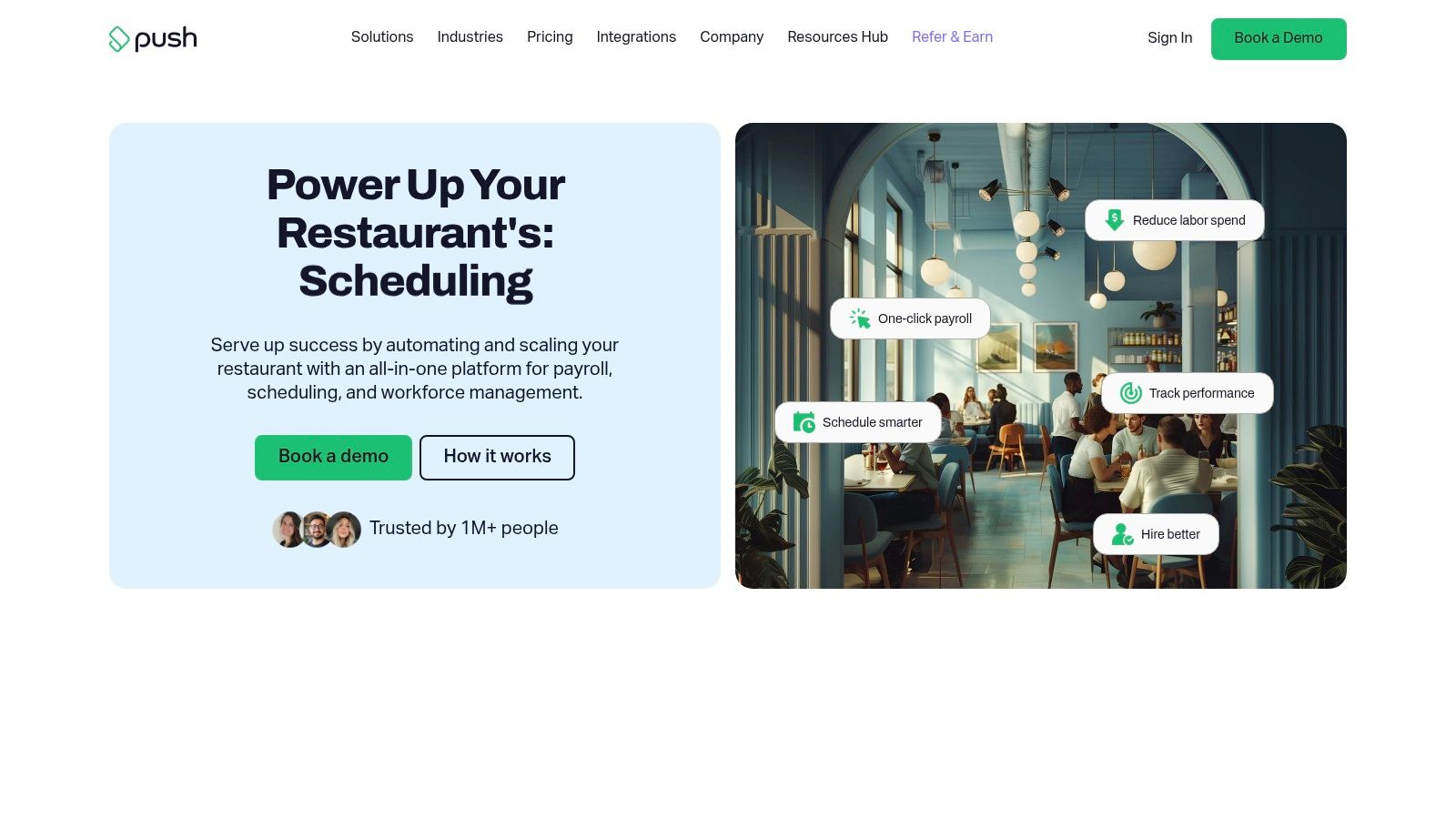
The platform is recognized as one of the best restaurant payroll software solutions because it effectively handles the complexities of multi-unit operations. It automates payroll for both W-2 employees and 1099 contractors, supports multi-state tax compliance, and offers robust tip automation. Features like photo clock-in and deep integrations with leading POS and accounting systems streamline daily operations, reduce administrative burden, and ensure data accuracy from the front-of-house to the back office.
Key Features & Considerations
- Best For: Multi-location restaurant groups and franchises needing an all-in-one labor management system.
- Pros: All-in-one platform built for restaurants; strong multi-location and multi-state support; transparent per-user pricing model.
- Cons: Minimum employee billing requirements can be a barrier for smaller, single-location establishments; final pricing requires a custom quote based on the specific bundle and number of locations.
- Pricing: Custom quote required; starts with a per-employee, per-month fee but can include other minimums.
Push Operations is designed to grow with a business, offering the tools needed to manage an expanding workforce without cobbling together multiple disconnected systems. While the pricing structure is best suited for larger operators, its unified approach offers significant efficiency gains.
Website: www.pushoperations.com
11. Paycor (Restaurant Program)
Paycor expands beyond simple payroll processing to offer a full Human Capital Management (HCM) platform tailored with resources for the restaurant industry. It’s an ideal solution for operators who want a single system to manage the entire employee lifecycle, from recruitment and onboarding to payroll and HR analytics. The platform addresses key restaurant challenges by integrating with various POS and timekeeping systems, streamlining data flow for accurate payroll runs.
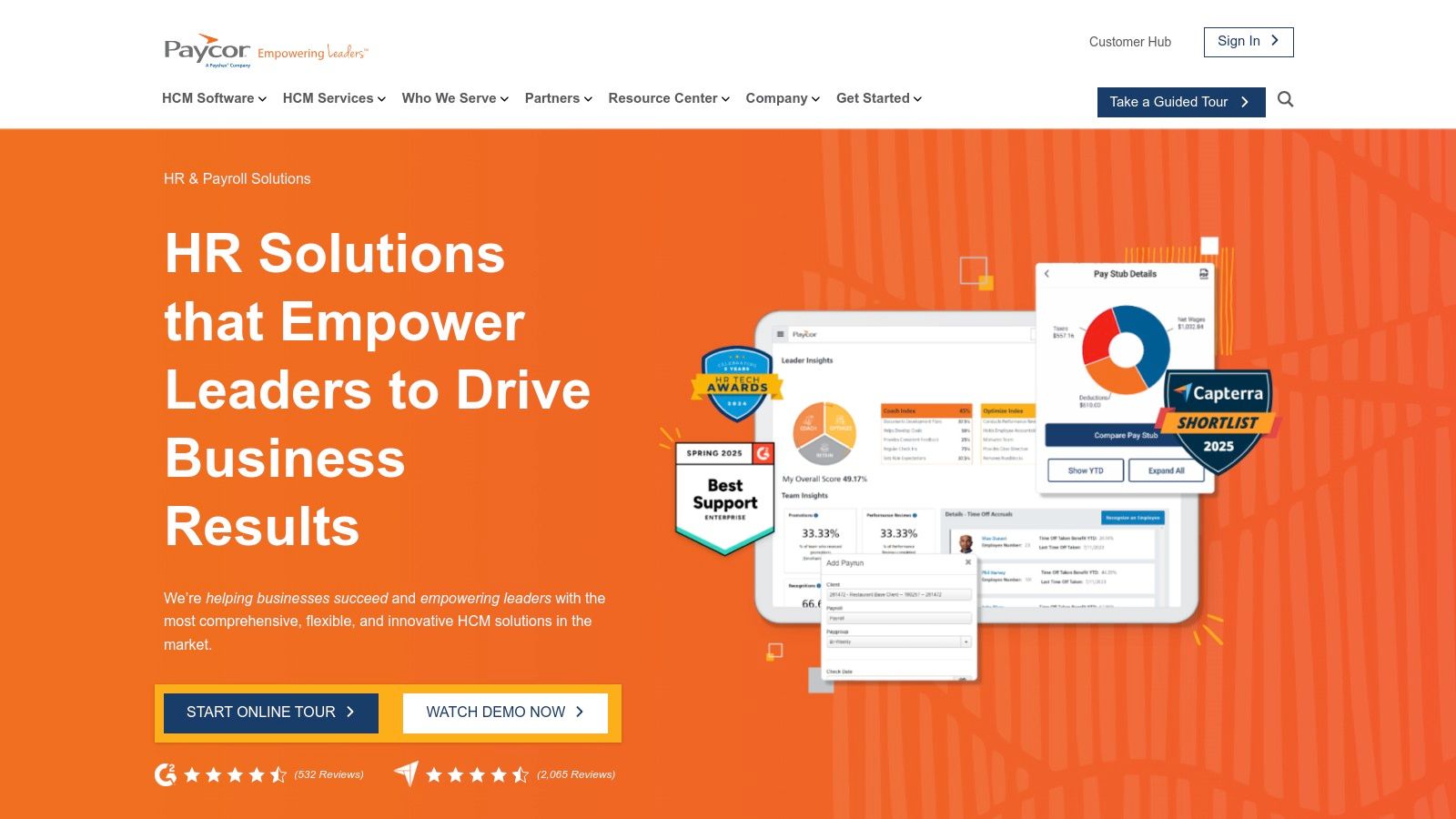
What makes Paycor one of the best restaurant payroll software choices is its focus on employee retention and engagement tools. Features like OnDemand Pay (earned wage access) and paycards provide financial flexibility that is highly valued in the hospitality sector. Its robust recruiting, onboarding, and HR features help managers attract and retain talent, which is a critical advantage in a competitive labor market. The system also supports multi-location operations with consolidated reporting and tax filing.
Key Features & Considerations
- Best For: Multi-unit restaurant groups and operators seeking a comprehensive HCM platform that combines payroll, HR, and talent management.
- Pros: Complete HCM suite with strong recruiting and onboarding features; transparent pricing for small-to-midsize businesses; offers modern pay options like earned wage access.
- Cons: Some advanced features are locked behind higher-tier plans; the full HCM suite may be overly complex for very small, single-location restaurants.
- Pricing: Pricing varies based on business size, selected modules, and location. Small to midsize businesses can access published entry-level plans, while larger or multi-location operations require a custom quote.
Paycor’s strength lies in its all-in-one approach, allowing managers to handle everything from applicant tracking to payroll without switching platforms. While this unified system is powerful, operators should verify current POS integrations and be aware that the most impactful features often require subscribing to a more comprehensive bundle.
Website: www.paycor.com
12. Capterra (Payroll Software Directory)
Instead of being a direct software provider, Capterra functions as a comprehensive software directory and buyer’s guide. It’s an invaluable research tool for restaurant owners who are starting their search or want to compare a wide array of options in one place. The platform allows you to filter payroll vendors by features, business size, and industry, helping you quickly identify systems that are well-suited for restaurant-specific needs like tip management and POS integration.
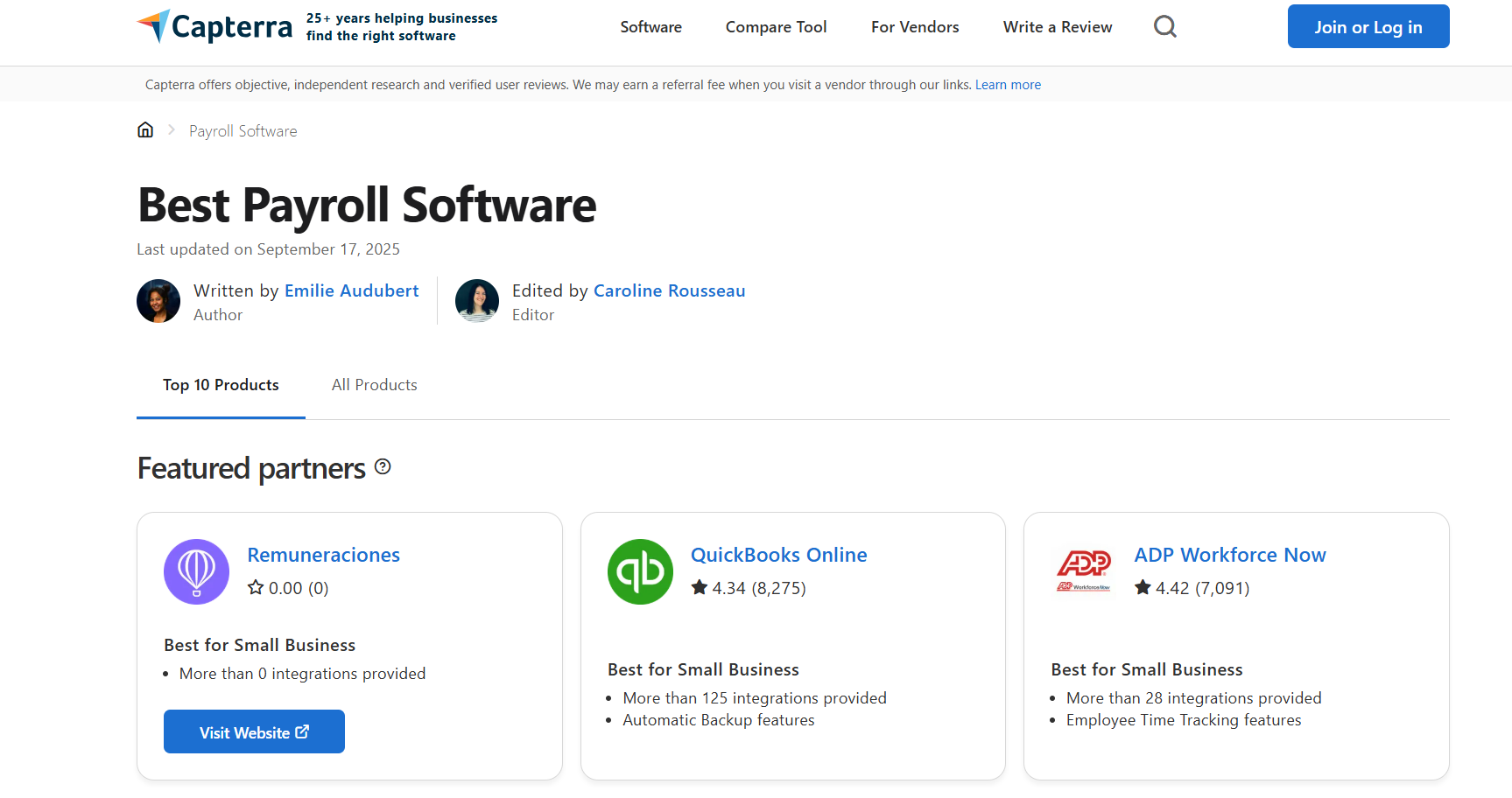
Capterra’s primary strength is its aggregation of user reviews, which provide real-world insights into a platform’s usability, customer support, and overall value. This makes it one of the best restaurant payroll software research hubs, as it moves beyond marketing copy and offers peer-based validation. You can build shortlists, compare up to four vendors side-by-side, and link directly to vendor sites for demos or trials.
Key Features & Considerations
- Best For: Restaurant owners in the initial research phase, comparing features, and reading user reviews.
- Pros: Free to use for research; broad market coverage with restaurant-specific filters; access to a large volume of authentic user reviews.
- Cons: Sponsored listings can influence search result placement; feature lists may not be exhaustive, requiring verification on vendor websites.
- Pricing: Free to browse and compare software.
While Capterra is an excellent starting point, always treat its summaries as a guide. It is crucial to visit the actual vendor websites to confirm pricing, feature availability, and integration capabilities before making a final decision.
Website: www.capterra.com/payroll-software
Top 12 Restaurant Payroll Software Comparison
| Solution | Core features | Quality ★ | Value & Price | Target audience | USP |
|---|---|---|---|---|---|
| Toast Payroll & Team Management | Tip pooling, POS time tracking, tax filing, benefits referrals | ★★★★☆ | Mid–high; requires Toast; per‑emp/location mins | Operators using/planning Toast POS | Deep POS integration. Best tip handling. |
| Square Payroll (with Square for Restaurants) | Unlimited runs, tax filing, same/next‑day pay, QBO sync | ★★★★☆ | Low entry; transparent pricing | Small operators in Square ecosystem | Fast setup & multi‑pay methods. Transparent value. |
| Gusto (Restaurant Solution) | Payroll + HR, tip reporting, PTO, integrations (7shifts) | ★★★★☆ | Mid; tiered plans (price rose 2025) | SMB restaurants wanting HR features | User‑friendly with restaurant guidance. Broad integrations. |
| QuickBooks Payroll | Automated taxes, direct deposit, tight QBO accounting sync | ★★★★☆ | Mid; best value if already on QBO | Restaurants using QuickBooks accounting | Seamless books payroll. Best accounting integration. |
| RUN Powered by ADP / Roll | Compliance, multi‑state payroll, benefits & add‑ons, support | ★★★★☆ | Custom / quote; can be high with add‑ons | Multi‑state / complex compliance ops | Deep compliance & expert support. Enterprise reliability. |
| Paychex Flex (Restaurant & Hospitality) | Payroll, tip tools, time, earned wage, HR & benefits options | ★★★★ | Custom; many paid add‑ons | Ops wanting hire‑to‑retire services | Full‑service stack with restaurant programs. Strong service support. |
| Restaurant365 Payroll (R365) | Integrated accounting, inventory, scheduling, payroll | ★★★★ | Custom; higher if full ERP not needed | Multi‑unit groups seeking all‑in‑one | Restaurant ERP + analytics. Reduces reconciliation. |
| 7shifts Payroll | Unlimited payroll runs, direct import of hours/tips, tip payouts | ★★★★ | Add‑on to 7shifts; clear fee table | Restaurants using 7shifts scheduling | Schedule time pay flow. Unlimited runs for flexibility. |
| Homebase Payroll | Time clocks & schedule sync, tax filing, W‑2/1099, onboarding | ★★★★ | Low entry; strong free tier | Single‑location / small hourly teams | Easy, low‑cost entry. Great for very small teams. |
| Push Operations | Payroll, scheduling, tip automation, photo clock, multi‑state | ★★★★ | Per‑user pricing; transparent starts; quote for bundles | Growing multi‑location restaurants | Scalable all‑in‑one labor platform. Transparent per‑user pricing. |
| Paycor (Restaurant Program) | Payroll, tax filing, recruiting, onboarding, HR analytics | ★★★★ | Mid; bundle tiers; verify current offers | Restaurants needing end‑to‑end HCM | Strong hiring & retention features. HCM focuses on growth. |
| Capterra (Payroll Directory) | Filters, side‑by‑side comparisons, vendor reviews & links | ★★★★ | Free to use | Buyers researching & shortlisting vendors | Broad market coverage & reviews. Fast vendor discovery. |
Making the Final Cut for Your Payroll
Navigating the landscape of restaurant payroll software can feel like designing a new menu: the options are plentiful, the stakes are high, and the perfect choice depends entirely on your unique establishment. We’ve explored a dozen powerful platforms, from all-in-one systems like Toast and Restaurant365 to flexible, HR-focused solutions like Gusto and Paycor. The right tool is out there, and now it’s time to make your selection.
The central takeaway from our deep dive is that a one-size-fits-all solution is a myth. The best restaurant payroll software is the one that aligns perfectly with your operational DNA. A bustling, single-location cafe with a tight-knit team has vastly different needs than a multi-state franchise group managing complex compliance and benefits packages across hundreds of employees. Your final decision shouldn’t be about picking the software with the longest feature list, but the one that solves your most persistent problems.
Your Action Plan for Choosing the Right Software
Choosing the right restaurant payroll system is less about chasing features and more about solving your biggest real-world headaches.
Before you decide, get clear on:
- Your top pain points
Are you losing time on tip calculations, overtime, or multi-role pay rates? Start with the 3–5 issues that cost you the most time or create the most risk.
- Your tech stack
List your POS, scheduling, and accounting tools, and prioritize platforms that integrate cleanly. If your payroll doesn’t talk to the tools you already use, you’re just moving the manual work around.
- Your growth path
Are you planning a second unit, adding benefits, or expanding across state lines? Choose software that can scale with you instead of something you’ll outgrow in a year.
From there, narrow your shortlist to 2–3 vendors, book live demos, and ask very specific restaurant questions:
- “How do you handle pooled tips?”
- “How do you calculate overtime for dual-role employees?”
- “Show me exactly how my POS data flows into payroll.”
The right payroll partner should feel less like another app and more like an extra manager in your back office, protecting your compliance, saving you hours every pay period, and giving you clean labor numbers you can actually make decisions from.
And if you want support beyond software, MAJC✨ trains restaurant leaders to use these tools well, so your systems, your people, and your numbers are all working together, not against each other. Equip your team with the skills they need to succeed by visiting MAJC.