


In a high-volume restaurant, consistency is king. A well-structured server side work checklist template transforms tedious tasks into a reliable system, boosting accountability and service quality. Instead of hunting for resources, use this guide to find a system that sticks.
We have gathered the seven best resources for 2026, ranging from free printables to integrated digital platforms. According to research from the Cornell Center for Hospitality Research, standardizing service encounters through structured systems helps ensure a consistent guest experience and reduces operational errors. For each resource, we provide a clear overview, direct links, and actionable insights to help you decide which is best for your restaurant’s needs.
Let’s dive into the top platforms that will help you systematize your service and elevate every guest’s visit.
1. 7shifts
7shifts offers a practical and direct solution for restaurant managers looking to standardize their server duties with a comprehensive checklist. The platform provides a free, downloadable restaurant server checklist template in .docx format, making it incredibly accessible for immediate use. This approach is perfect for establishments that want a quick, printable solution without the immediate commitment to a full software suite.
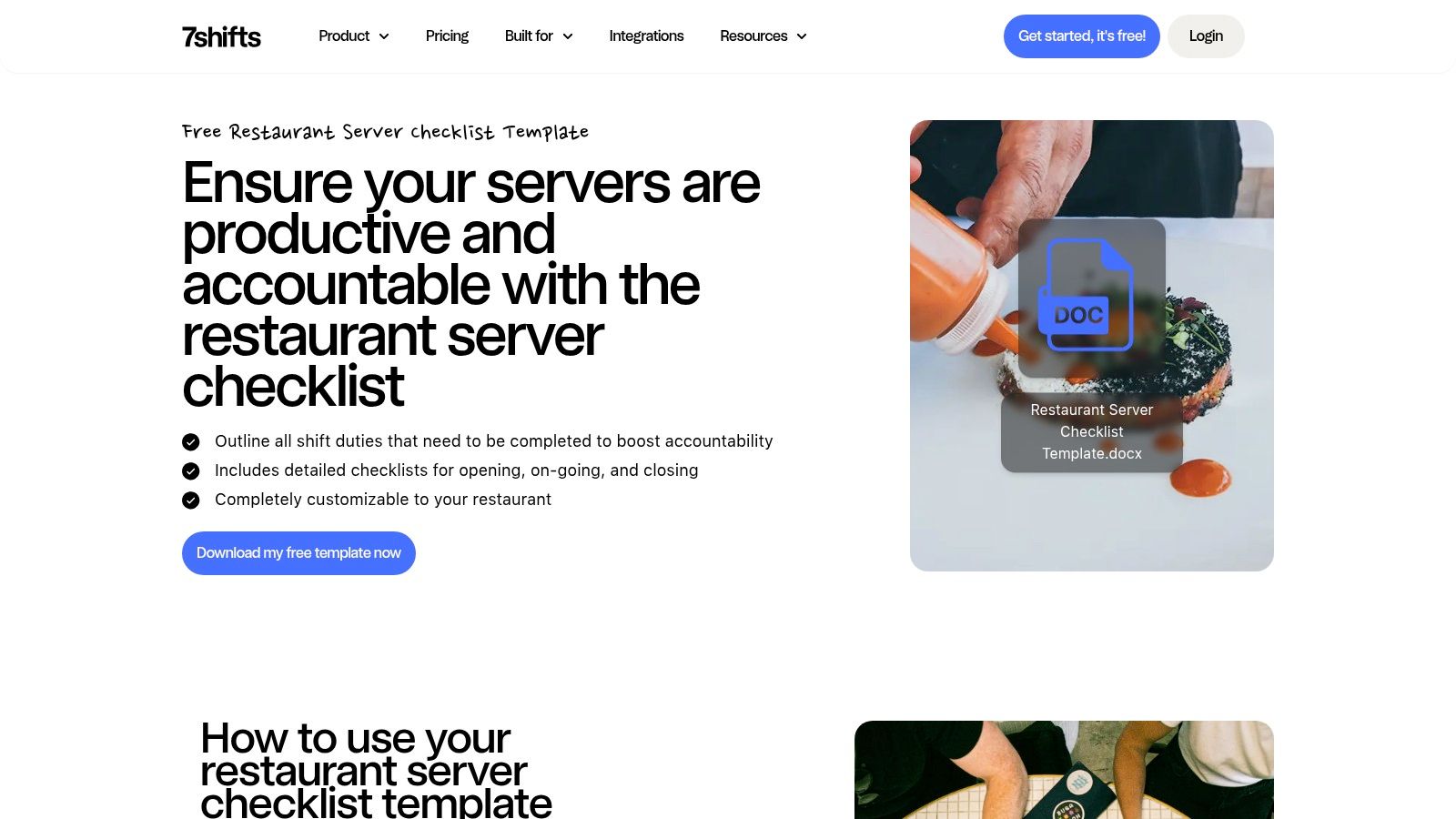
What makes 7shifts stand out is its dual-purpose nature. You can download the Word document, customize it with your restaurant’s specific side work, print copies, and implement it immediately. Alternatively, if you are seeking a more robust, integrated system, the template serves as a gateway to 7shifts’ full digital workforce management platform. This scalability allows you to start simple and evolve your operations as needed.
Key Features and Offerings
The free template is well-structured and covers all essential phases of a server’s shift. It provides a solid foundation that managers can easily edit to reflect their unique operational needs.
-
Free .docx Template: A completely editable server side work checklist template.
-
Standardized Workflow: Logically divided into Opening, Ongoing, and Closing Duties, which helps reduce “labor leakage” during shift changes.
-
Seamless Digital Transition: These checklists can be integrated into the 7shifts app, enabling real-time progress tracking and manager alerts for uncompleted tasks before staff clock out.
How to Use 7shifts’ Template Effectively
To get the most value from the 7shifts checklist, customization is key. Start by downloading the template directly from their website; no sign-up is required for the document itself. Open the file and walk through your restaurant’s specific workflow, adding or removing tasks to align with your service standards. For instance, you might add “Polish all wine glasses” to the opening list or “Break down and sanitize the espresso machine” to the closing duties.
When digitizing your checklist within the 7shifts platform, assign point values or time estimates to tasks. This can help optimize labor accountability and provide managers with data on who the most efficient team members are.
Pros and Cons
| Pros | Cons |
|---|---|
| Purpose-built for restaurants and easy to deploy. | Advanced tracking requires full adoption of the 7shifts platform. |
| Flexible use as a standalone printable or integrated into the app. | Resource content can feel like marketing for broader 7shifts features. |
| Completely free to download the initial template file. | The template is a document, not an interactive web tool on its own. |
Ultimately, 7shifts provides an excellent entry point for managers looking to implement or refine their server side work checklist template. It balances the immediate need for a simple, printable document with the long-term potential of a powerful digital management tool. As one of the top choices in restaurant management software, its resources are well-vetted and industry-specific. Learn more about how 7shifts compares to other workforce tools.
Website: 7shifts Restaurant Server Checklist Template
2. TouchBistro
TouchBistro, a leading name in restaurant point-of-sale technology, offers a free and highly practical server sidework checklist. Presented as a ready-to-print PDF, their resource is designed for restaurant managers who need an immediate, no-fuss solution to standardize front-of-house duties. This approach is ideal for establishments that value straightforward, tangible tools for training and daily operations without requiring software sign-ups or digital integration.
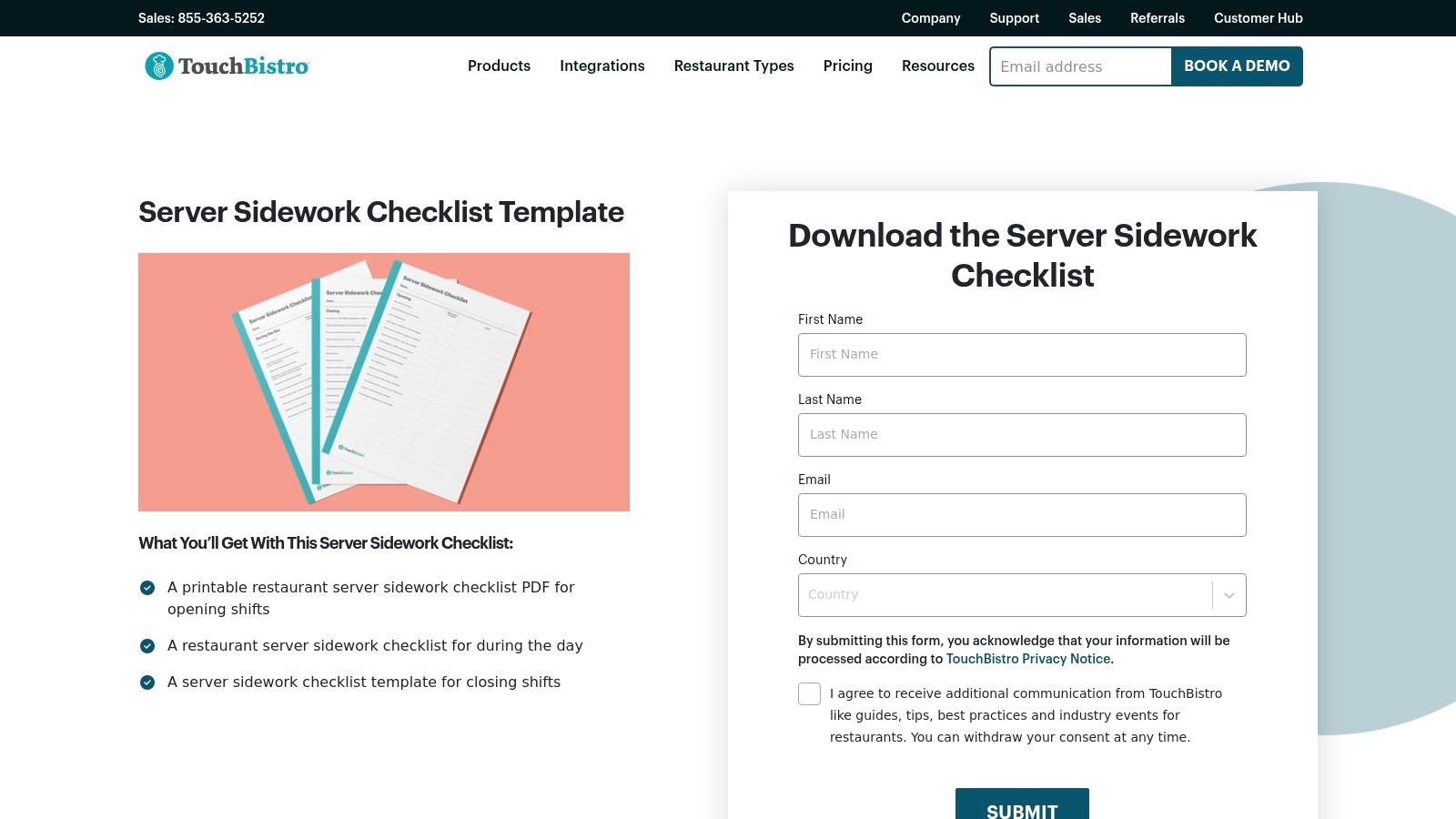
What makes the TouchBistro offering compelling is its plug-and-play nature. The checklist is published within a blog post that doubles as a guide, explaining the importance of side work and how to implement the system effectively. This positions the template not just as a downloadable file but as a complete training resource, perfect for onboarding new servers or reinforcing standards with your existing team. It provides a solid, industry-vetted foundation that requires zero upfront commitment.
Key Features and Offerings
The free PDF from TouchBistro is clearly organized and covers the entire service day, ensuring that all critical tasks are accounted for from open to close. It serves as an excellent reference tool that can be posted in a central location for easy access.
- Ready-to-Print PDF: The checklist is available as a downloadable PDF, making it simple to print copies for your entire team.
- Dedicated Shift Sections: The template is thoughtfully divided into Opening Shift, Midday/Pre-Dinner Shift, and Closing Shift duties. This granular approach helps manage tasks specific to different parts of the day.
- Training and Reference Tool: It is explicitly designed to support both new hire training and as a daily reference guide for all front-of-house staff to ensure consistency.
How to Use TouchBistro’s Template Effectively
To maximize the utility of this server side work checklist template, download the PDF directly from the TouchBistro blog post. Since it is a static document, the best way to customize it is to use it as a base. You can either manually add your restaurant’s specific tasks to the printout or recreate the structure in a program like Google Docs or Microsoft Word for full editability. This allows you to insert unique duties, such as “Prepare fresh juice for the bar” or “Update the daily specials board.”
Laminate a few copies of the finalized checklist and post them in key areas like the server station and kitchen entryway. Staff can use dry-erase markers to check off tasks, creating a reusable and eco-friendly system for daily accountability.
Pros and Cons
| Pros | Cons |
|---|---|
| Truly plug-and-play with no account or sign-up needed. | PDF format limits quick editing unless recreated manually. |
| Produced by a well-known restaurant technology brand, ensuring relevance. | No built-in digital features for task completion tracking. |
| Excellent as a foundational training document for new hires. | The resource is part of a larger blog, not a standalone tool page. |
In conclusion, TouchBistro delivers a valuable and accessible resource for any restaurant manager looking to implement a standardized server side work checklist template immediately. Its strength lies in its simplicity and its backing by a reputable industry leader, making it a trustworthy starting point for improving front-of-house efficiency and consistency.
Website: TouchBistro Server Sidework Checklist
3. RestaurantOwner.com
RestaurantOwner.com positions itself as a comprehensive resource hub for independent restaurant operators, and its approach to checklists reflects this deep specialization. The platform provides a detailed Server Sidework & Responsibility Checklist in MS Word format, but its true value lies in the extensive library of companion materials. This makes it an ideal choice for operators who want to build a complete, integrated operational system, not just download a single form.
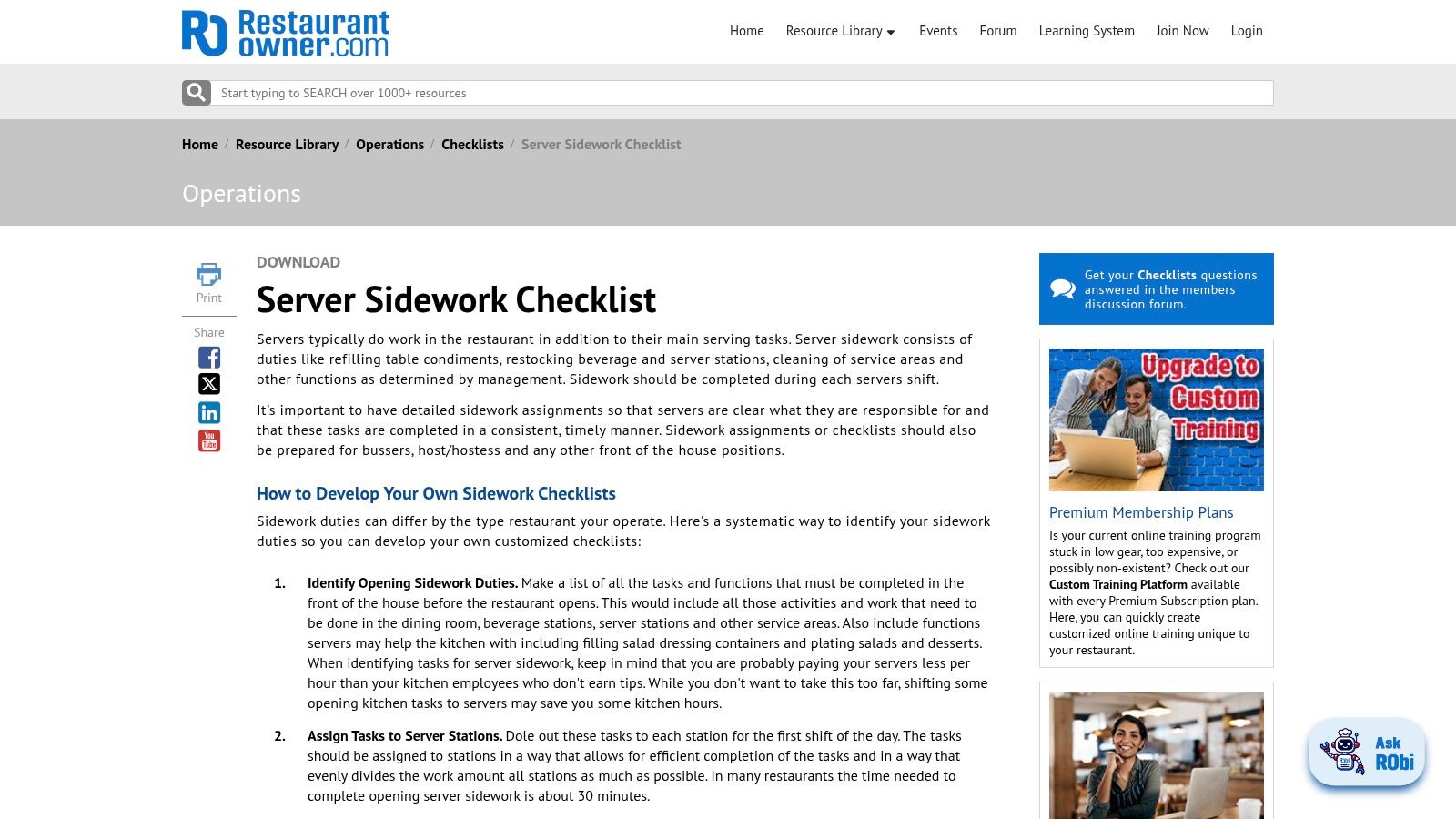
What sets RestaurantOwner.com apart is its holistic view of restaurant management. The server checklist is not just a standalone document; it is part of a larger ecosystem of training videos, operational guides, and community forums. This approach is tailored for owners committed to systemizing their operations and investing in staff development. While a membership is typically required to access the full suite of resources, the depth of industry-specific knowledge is significant.
Key Features and Offerings
The platform’s strength is in providing professionally developed, field-tested materials that go beyond basic task lists. The resources are created with the real-world challenges of restaurant ownership in mind.
- Editable Word Format: The core server sidework checklist template is available as a customizable .doc file, allowing for easy adaptation to any restaurant’s specific needs.
- Extensive Resource Library: Members gain access to a vast collection of companion checklists for every role, from kitchen prep to FOH management, as well as training videos and operational manuals.
- Community Support: The site includes a discussion forum where operators can ask questions and share insights with peers, adding a valuable layer of community expertise.
How to Use RestaurantOwner.com’s Template Effectively
To maximize the value of this resource, think beyond the single checklist. Start by downloading the server sidework template and tailoring it to your restaurant’s opening, running, and closing procedures. Add station-specific tasks, such as “Restock wine station with all varietals” or “Polish silverware for a 50-cover reset.”
Use the server checklist as your foundational document, then explore the platform’s other resources to build out corresponding training materials. For example, if your checklist includes “Perform end-of-day cashout,” you can likely find a companion video or article on best practices for cash handling to use in your training sessions.
Pros and Cons
| Pros | Cons |
|---|---|
| Deep hospitality specialization with materials designed for real restaurant workflows. | Most valuable downloads are gated behind a paid membership. |
| Rich library of companion resources to build a comprehensive FOH/BOH system. | Website navigation can feel dense when searching for a single template. |
| Community forums provide a network for operational problem-solving. | Less suitable for those who just need a quick, free, one-off download. |
Ultimately, RestaurantOwner.com is an excellent investment for dedicated operators aiming to establish robust and scalable systems. It treats the server side work checklist template not just as a tool, but as a component of a much larger strategy for operational excellence. The focus on education makes it a powerful asset for any front of house manager looking to elevate their team’s performance. You can learn more about how these resources support the responsibilities of a front of house manager.
Website: RestaurantOwner.com Server Sidework Checklist
4. GoAudits
GoAudits targets multi-unit restaurant groups and operations seeking a higher level of accountability and operational consistency. It offers a free, sample Server Sidework Checklist in PDF format, which serves as an entry point to its powerful digital inspection and task management application. This platform is designed for businesses that need to move beyond paper and centrally manage, assign, and track front-of-house duties across multiple locations.
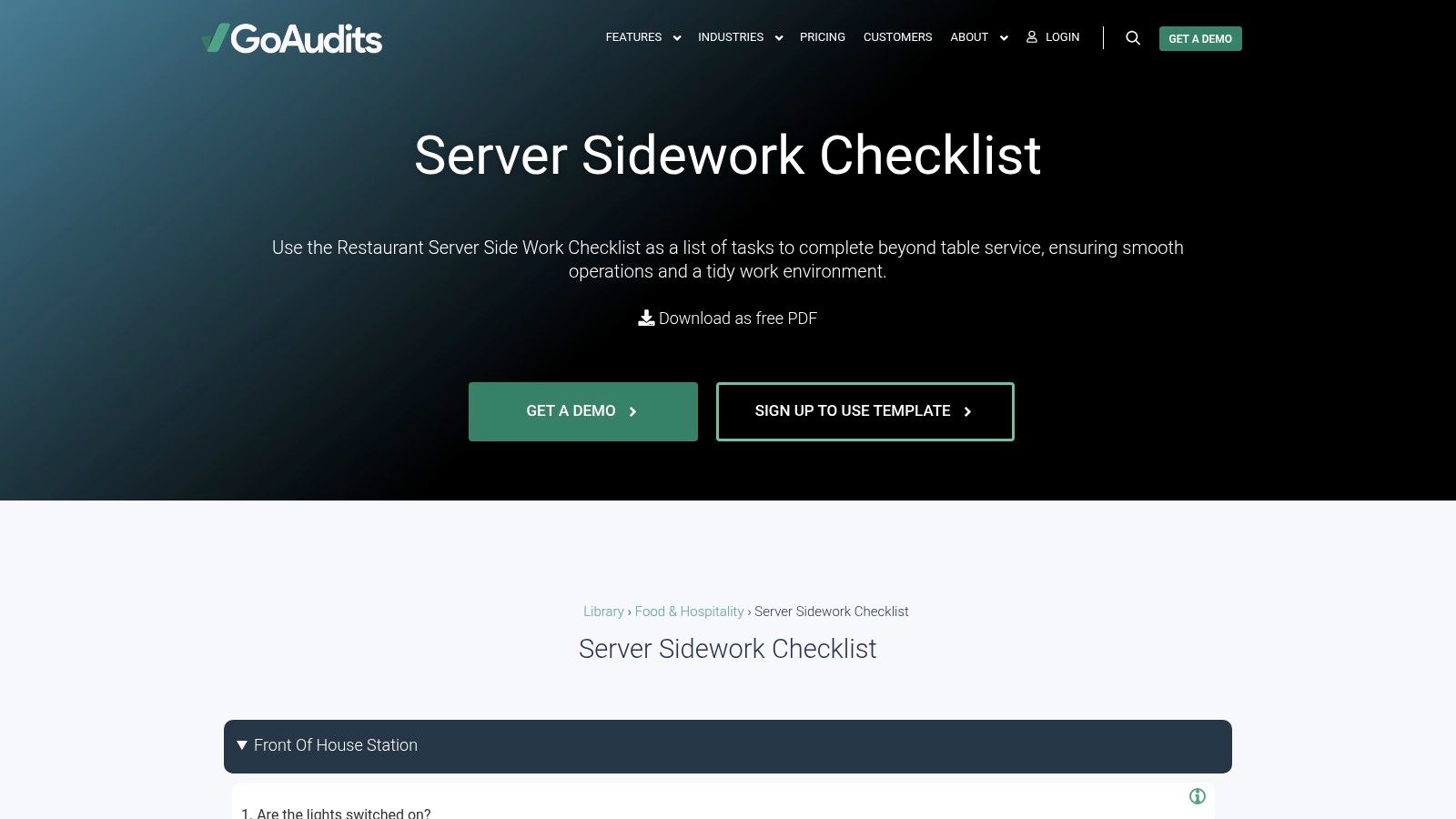
What sets GoAudits apart is its focus on data-driven oversight and mobile-first execution. While the free PDF is a useful starting point, the platform’s real strength lies in its no-code editor that allows managers to create detailed, interactive checklists. These can be deployed to staff via a mobile app, enabling features like photo evidence for completed tasks, instant report generation, and automated follow-up assignments for any issues found.
Key Features and Offerings
The core of the GoAudits system is its robust digital checklist and auditing tool, which transforms a simple server side work checklist template into a dynamic management system. It is built for scale and detailed tracking.
- Free Sample Checklist: Provides a downloadable PDF that outlines standard server sidework to demonstrate the platform’s potential.
- No-Code Digital Editor: Easily build and tailor checklists to fit the exact needs of your brand, with options for different question types and scoring.
- Mobile-First App: Staff can complete checklists on their mobile devices, even when offline. They can attach photos as proof of completion, adding a crucial layer of accountability.
- Advanced Reporting: The platform aggregates data from completed checklists, offering managers insights into trends, performance gaps, and operational consistency across all locations.
How to Use GoAudits’ Template Effectively
Begin by downloading the sample PDF from the GoAudits website to understand its structure. The real value comes from signing up for an account (a trial is often available) to access the digital editor. Use the sample checklist as a foundation and customize it with your restaurant’s specific tasks, branding, and standards. For example, add a task requiring a photo of the fully stocked server station or create a follow-up action if a closing duty fails inspection.
Leverage the reporting feature to identify recurring issues. If “restocking condiment caddies” is consistently missed across multiple locations, it might signal a need for better training or a flaw in your standard operating procedures.
Pros and Cons
| Pros | Cons |
|---|---|
| Excellent for multi-unit consistency and accountability. | Full functionality requires an account and learning the app. |
| Mobile app works offline and includes photo evidence features. | The free template is a sample and will likely need customization. |
| Strong reporting and analytics for operational insights. | May be overly complex for a single, small restaurant. |
GoAudits is the ideal solution for restaurant groups that want to standardize processes and maintain brand integrity across all their establishments. Its focus on mobile accountability and data analysis makes it a powerful tool for turning a simple server side work checklist template into a cornerstone of operational excellence. Learn more about how to create standard operating procedures that can be enforced with this system.
Website: GoAudits Server Sidework Checklist
5. Etsy
For restaurant managers who value style, variety, and affordability, Etsy offers a surprisingly rich marketplace for server side work checklist templates. Unlike dedicated software platforms, Etsy provides access to hundreds of designs from independent creators, allowing you to find a template that perfectly matches your restaurant’s brand aesthetic and operational complexity. These templates are typically low-cost, instantly downloadable, and editable in popular formats.
What makes Etsy stand out is the sheer breadth of creative options. Whether you run a minimalist cafe, a rustic gastropub, or a high-end bistro, you can likely find a pre-made checklist that feels custom-built for your environment. This approach is ideal for managers who want a professionally designed document without the time or expense of hiring a graphic designer, providing a polished and practical tool for immediate implementation.
Key Features and Offerings
Etsy’s strength lies in its decentralized, creator-driven model. You are purchasing a digital file directly from a designer, which gives you a wide range of choices in terms of both style and functionality.
- Vast Template Library: Access dozens of unique server, FOH, opening, and closing sidework templates with a simple search.
- Multiple Editable Formats: Templates are commonly available in user-friendly formats like Canva, Google Sheets, Microsoft Word, and PDF, making them easy to customize.
- Instant Downloads: Once purchased, the files are available immediately, allowing you to edit, print, and deploy your new checklist on the same day.
- Seller Ratings and Reviews: Built-in social proof helps you vet the quality and usability of a template before you buy, ensuring you choose a reliable product.
How to Use Etsy’s Templates Effectively
To get the most out of an Etsy template, start by searching for “restaurant server checklist” or “server side work template.” Filter results based on file type (e.g., Canva, if you prefer its design interface) and review the top-rated options. Look at the product previews and read reviews from other restaurant managers to gauge how well the template works in practice. After purchasing and downloading, customize the template with your restaurant’s specific tasks, logo, and branding.
Many Etsy sellers offer template bundles that include opening, closing, and mid-shift checklists for a discounted price. This is a cost-effective way to standardize documentation across all FOH roles and shifts.
Pros and Cons
| Pros | Cons |
|---|---|
| Very affordable (often $2–$10) with a huge variety of styles. | Quality and usability vary significantly by seller; vetting is crucial. |
| Easy to find a layout that matches your brand or operations. | No unified system or built-in task tracking capabilities. |
| Instant access to editable digital files after a one-time purchase. | Requires pairing with another tool for digital assignment or tracking. |
Etsy is an excellent resource for managers seeking a stylish, budget-friendly, and highly customizable server side work checklist template. While it lacks the integrated digital features of a full software suite, it provides an unparalleled selection of well-designed documents that can elevate your operational consistency and professionalism without a major investment.
Website: Etsy Marketplace for Restaurant Server Checklists
6. BestTemplates
For restaurant managers who prefer a straightforward, buy-and-download solution, BestTemplates offers a professionally designed Restaurant Server Sidework Checklist. This platform operates as a marketplace for various business templates, providing a clean, print-ready option without the need to commit to a larger software ecosystem. It is an ideal choice for establishments that value polished aesthetics and require a commercial license for multi-location use.

What makes BestTemplates a unique entry on this list is its focus on the template as a final product. Instead of being a gateway to a software service, it provides a high-quality document that is ready for immediate deployment. You purchase the file, edit it with your specific side work tasks in familiar programs like Microsoft Word or Apple Pages, and print as many copies as you need. This direct approach cuts out the complexity of new software adoption.
Key Features and Offerings
The template from BestTemplates is designed for both functionality and visual appeal, ensuring that your internal documents reflect a professional standard. It comes with flexible licensing and file formats to suit most business needs.
- One-Time Purchase: The core offering is a single-purchase template, allowing you to own the file without recurring fees.
- Multiple Formats: Downloads include files compatible with Microsoft Word and Apple Pages, catering to both PC and Mac users.
- Print-Ready Sizes: The template is pre-formatted for both US Letter and A4 paper sizes, making it easy to print anywhere.
- Commercial License: The purchase includes a commercial license, which is crucial for multi-unit restaurant groups or franchises that need to distribute the checklist across various locations.
How to Use BestTemplates’ Template Effectively
To maximize the value of this template, begin by purchasing and downloading it directly from the product page. Once you have the file, open it in your preferred editor. The key is to heavily customize the content to match your restaurant’s operational flow. The existing layout provides a great structure, but you will want to replace the placeholder text with your precise opening, mid-shift, and closing duties. For example, add tasks like “Check and restock all condiment caddies” or “Wipe down and sanitize all POS terminals.”
Save a “master” version of your customized server side work checklist template. This ensures you always have a clean, original copy to revert to or modify for different roles, like a separate checklist for your bartending or host staff.
Pros and Cons
| Pros | Cons |
|---|---|
| Simple, one-time purchase with no subscription needed for a single file. | Content is generic and requires significant customization for your operation. |
| Commercial license included, perfect for multi-location businesses. | Lacks the hospitality-specific context found on dedicated restaurant platforms. |
| Professionally designed and ready to print for a polished look. | This is a design-focused marketplace, not a restaurant management tool. |
Ultimately, BestTemplates is an excellent resource for managers who want a well-designed, print-and-go server side work checklist template with the proper licensing for business use. It removes the learning curve of a new software platform and delivers a tangible, editable document that can be implemented on the same day. For those who prioritize design and ownership over digital integration, this is a top-tier choice.
Website: BestTemplates Server Sidework Checklist
7. Manifestly Checklists
Manifestly Checklists moves beyond simple downloadable documents and offers a dynamic, interactive platform for managing server side work. Instead of a static Word file, Manifestly provides a ready-to-use Server Side Work Checklist template directly within its workflow software. This approach is designed for teams that prioritize live accountability, recurring task schedules, and a digital audit trail over traditional paper checklists.
What makes Manifestly stand out is its focus on operational enforcement and tracking. Managers can assign tasks, set recurring schedules for daily or weekly duties, and monitor completion in real-time from any web or mobile device. This system creates a clear record of who did what and when, which is especially valuable for multi-unit restaurant groups aiming to enforce consistent standards across all locations.
Key Features and Offerings
The platform is built around workflows and accountability, transforming a simple checklist into a powerful management tool. It ensures that standard operating procedures are not just documented but consistently followed.
- Ready-to-Use Digital Template: The server sidework checklist is pre-built within the Manifestly platform, allowing for immediate implementation.
- Recurring Schedules and Assignments: Managers can automate daily opening and closing checklists, assigning them to specific staff members or roles and receiving notifications upon completion.
- Web and Mobile Access: Staff can access and complete their checklists from their phones, while managers can track progress from anywhere, ensuring accountability without being physically present.
- Audit Trail and History: Every check-off is timestamped and recorded, creating a detailed completion history that can be used for performance reviews and operational analysis.
How to Use Manifestly’s Template Effectively
To maximize Manifestly, treat it as a central hub for your restaurant’s operational procedures. Start by signing up for the platform and loading the server side work checklist template. Customize it by adding location-specific tasks, such as “Restock the patio server station” or “Wipe down the POS screens.” Use the scheduling feature to automatically assign opening duties every morning and closing tasks every night.
Leverage the comment and flag features within tasks. If a server notes that the ice machine is making a strange noise while completing their closing duties, they can flag it for a manager’s immediate attention, preventing potential equipment failure.
Pros and Cons
| Pros | Cons |
|---|---|
| Excellent for live accountability and historical records. | Most value requires adopting the full platform, not a one-off printable. |
| Enforces standards effectively across multi-unit operations. | Requires onboarding staff to use a new digital system. |
| Mobile access makes it easy for staff to complete tasks on the floor. | Could be overkill for a small, single-location restaurant with a tight-knit team. |
Ultimately, Manifestly is the ideal solution for restaurant operators who want to digitize and enforce their server side work checklist template. It is less about providing a document and more about delivering a system for operational excellence. This platform helps turn your checklists into living, breathing components of your restaurant’s standard operating procedures. You can learn more about how digital checklists support restaurant standard operating procedures examples.
Website: Manifestly Server Side Work Checklist
Putting Your Checklist into Action: From Template to Team Habit
Selecting the right server side work checklist template is only the beginning. To drive consistency and excellence, you must weave these tasks into the fabric of your daily operations. A well-crafted checklist eliminates ambiguity and ensures responsibilities are transparent and evenly distributed, reducing team friction and allowing everyone to focus on the guest experience.
From Document to Daily Driver
True adoption is built on communication and leadership, not just posting a list on the wall. Follow these steps to ensure your system sticks:
-
Involve Your Team: Use your veteran servers’ experience to customize the template. This ensures the workflow is practical and builds early buy-in.
-
Frame the “Why”: Present the checklist as a tool for success, not micromanagement. Explain how it creates fairness and leads to smoother shifts and better tips.
-
Train, Don’t Just Tell: Conduct a walk-through to demonstrate standards for each task. This initial investment pays dividends in long-term compliance.
-
Lead by Example: Managers must consistently reference the checklist. When leadership values the system, the team follows suit.
Choosing the Right Path Forward
The best tool depends on your infrastructure:
-
Integrated Solutions: If you use 7shifts or TouchBistro, leverage their built-in features to centralize your digital workflow.
-
Dedicated Systems: For high-level accountability and multi-unit management, platforms like Manifestly or GoAudits offer robust tracking.
-
Specialized Templates: If you prefer a “print-and-go” or highly aesthetic approach, RestaurantOwner.com, Etsy, or BestTemplates provide industry-vetted foundations.
Ultimately, a checklist is a commitment to a standard. By turning a simple template into an ingrained habit, you build a resilient culture of operational excellence and a better environment for both your team and your guests.
Ready to elevate your operational standards beyond checklists? MAJC provides the essential training, tools, and community for hospitality leaders dedicated to building high-performing teams. We help you transform standard procedures into a thriving culture of excellence. Discover how at MAJC.